
Tutorial : how to create map files from MFM map for Papago
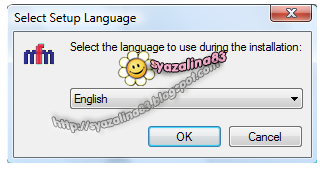
Tutorial : how to install PAPAGO! M9 for Android built-in GPS phone Friday, 30 November 2012 © 2012 - ~syazalina83~ update: All PaPago X5 users are advised to upgrade to PAPAGO M9 since the last map update for X5 was in August 2011 Install >> Papago X5 << before proceed with this tutorial. Screenshots are based on MFM-PPG-110301C (version 1/3/2011). The process of map installation is still the same for any MFM Papago X5 map. Please follow the same steps for updating your outdated map. Double click MFM-PPG-110823C.exe ( Download from here ) Select setup language , click OK . Click Next . Accept the agreement and click Next . Recommended to use the default folder for MFM map. Click Next . Select the Papago version that you are using. Ready To Install MFM Map. Click Install . Installation in progress. Click Finish. From your pc, locate the following folder. C:/Navi/Maps/MFM-PPG-110823C . ...

